FreePBX & Asterisk Services
FreePBX Installation, Integration & Security Services
Seninweb installs, migrates, secures and integrates FreePBX and Asterisk phone systems for businesses. SIP trunk setup, CRM and API integration, and a written record of how your system is actually put together.
- Installation
- Migration
- Security
- Integration
- Support
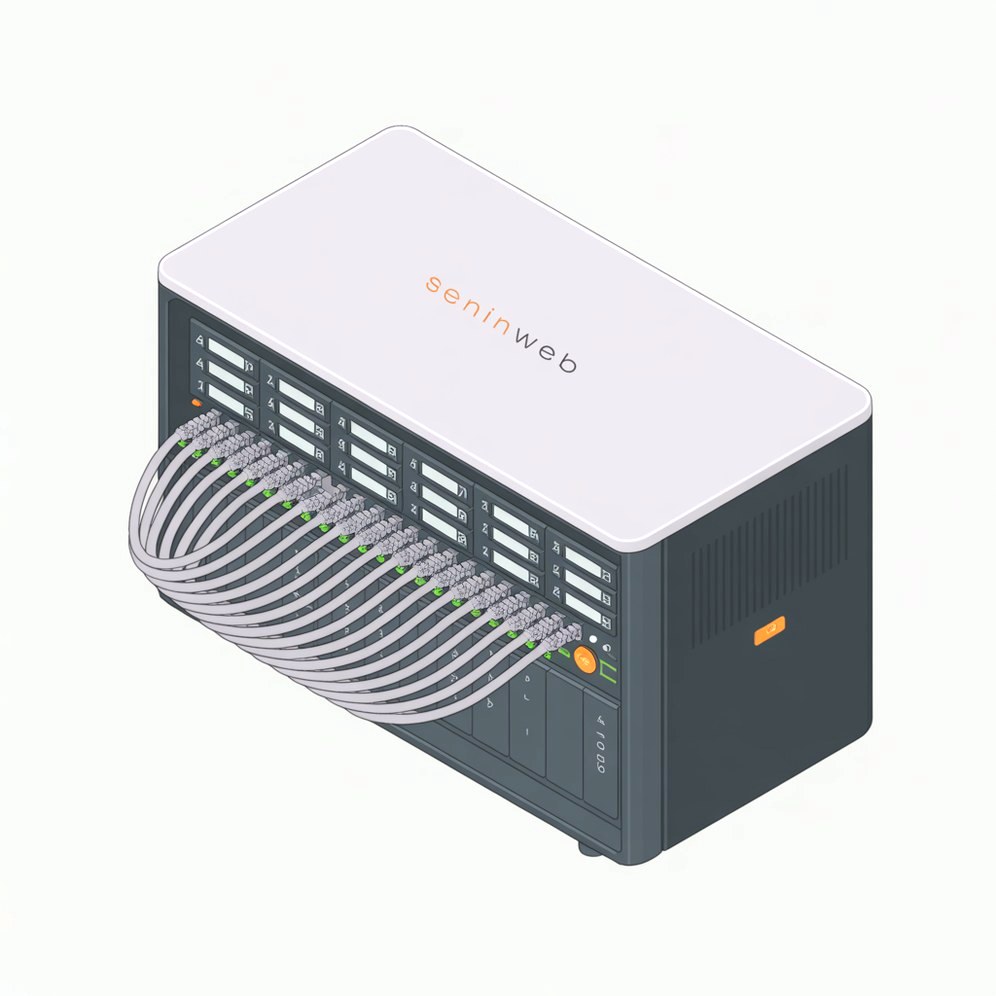
FreePBX Services for Business Phone Systems
Six things businesses usually call us about. Most projects turn out to be a combination of two or three of them.
FreePBX Installation
Install and configure FreePBX and Asterisk for a reliable business VoIP environment, on your own hardware or a VPS.
FreePBX Migration
Move off a legacy PBX, a hosted platform or an unsupported install, with a controlled plan and a rollback path.
FreePBX Security
Harden SIP, firewall rules, authentication and outbound dialling so a port scan does not turn into a phone bill.
SIP Trunk Integration
Connect FreePBX to your SIP trunk provider: trunks, routes, codecs, authentication, DID mapping and failover.
CRM & API Integration
Connect calls and customer data to your CRM, website, internal applications and third party APIs.
FreePBX Support & Audits
Review an existing installation, find what is broken or exposed, and hand back a documented remediation plan.
Is Your FreePBX System Causing Problems?
These are the symptoms we are called about most often. If you recognise one of them, we can usually narrow down the cause in a single call.
- Calls dropping or failing part way through
- SIP registration failing, or flapping every few minutes
- One way audio, or no audio at all
- Poor call quality and jitter once more than a few calls are up
- Inbound or outbound calls routing to the wrong place
- A SIP trunk that will not register or authenticate
- An old or unsupported FreePBX and Asterisk version
- Unexplained international calls appearing on the bill
- Open SIP ports and exposure to toll fraud
- A chan_sip system that needs converting to PJSIP
- CRM or application integration that was started and never finished
- Backups that exist but have never been restored
- No written record of how any of it is configured
- The person who built it is no longer available
Tell us what is wrong with your system. A short description of the symptom and your FreePBX version is usually enough for us to say whether it is a configuration problem, a trunk problem or a security problem.

FreePBX installation and migration without a lost afternoon
We build on current versions rather than the end-of-life images still circulating: FreePBX 17 and Asterisk 22 on Debian 12. Existing systems get converted from chan_sip to PJSIP, extensions and trunks mapped across, and handsets reprovisioned.
Cutovers run in parallel with the old system still live, the port scheduled for a quiet window, and a rollback trigger agreed in writing before we touch anything.
- Migration from a hosted PBX, legacy Asterisk or an unsupported SNG7 install
- A written rollback plan and a parallel run, so a bad port is not a bad week
- FreePBX 17 and Asterisk 22 on Debian 12, on your own hardware or a VPS
- Extensions, trunks, IVR menus, ring groups and voicemail carried across and tested
Moving to a New FreePBX System?
Most of the risk in a phone system project sits in the move, not the install. We map what you have now, rebuild it on a current supported platform, and prove it works before anything is pointed at it.
- Existing FreePBX installations, including end of life and unsupported versions
- Legacy Asterisk systems and hand written dialplan
- Hosted PBX platforms you want to bring back in house
- chan_sip configurations converted to PJSIP endpoints
- Extensions, handsets and provisioning
- SIP trunks, inbound routes and outbound routes
- IVR menus, ring groups, queues and time conditions
- Voicemail, call recordings and history where the platform allows it
Where possible, we run the new system alongside the existing system before the final cutover. Handsets are provisioned in advance, the port or trunk switch is scheduled for a quiet window, and the rollback trigger is agreed in writing before anything changes.
Secure FreePBX before a small configuration error becomes a large phone bill
A scanner finds an open SIP port within hours, and the bill usually arrives before anyone notices the traffic. We close that down: fail2ban tuned to real authentication failure patterns, the Responsive Firewall configured rather than merely enabled, trunks restricted to carrier IP addresses, anonymous SIP calls disabled, TLS and SRTP where your handsets support it.
Then we cap the damage anyway, with concurrency limits, international dialling rules and a spend cap set at the carrier. Defence in depth costs considerably less than a fraud dispute.
- fail2ban, firewall zones, trunk IP restriction and anonymous SIP disabled
- Concurrency caps, country blocking and a carrier-side spend limit
Not sure where your system currently stands? The FreePBX security risk calculator gives you an illustrative view of your exposure in about a minute.


What actually gets attacked
- SIP scanning against exposed ports, usually within hours of going live
- Brute force attempts against extension and trunk credentials
- Toll fraud routed to premium and international destinations
- Unrestricted international dialling left enabled on every extension
- Management interfaces and services reachable from the open internet
- Weak, reused or default extension secrets
- Firewall rules that allow far more than the carrier ever needs
What we put in place
- fail2ban tuned to real authentication failure patterns
- Firewall zones and the Responsive Firewall configured, not merely enabled
- Trunks restricted to the carrier IP ranges
- Anonymous SIP calls disabled
- TLS and SRTP where the handsets support it
- Country and destination restrictions on outbound routes
- Concurrent call limits per extension and per trunk
- Outbound dialling rules matched to how the business actually calls
- A spend cap set at the carrier as the final backstop
Integrate FreePBX With the Systems Your Business Already Uses
A phone system does not have to sit on its own. Asterisk exposes AMI, ARI and AGI, and FreePBX sits on a database with its own REST layer, which means calls can read from and write to the software your team already works in.
That is where most of the value is. Identifying a caller against your customer records before anyone picks up, logging the call against the right account, and firing a follow up task afterwards removes the manual work that surrounds every call.
- CRM integration, including click to call from a customer record
- Caller identification against your own customer database
- Call logging written back to the CRM or helpdesk automatically
- Call recording workflows, storage location and retention rules
- REST and API integrations with internal or third party systems
- Web application, internal tool and custom dashboard integration
- Call centre software, queue handling and reporting
- Business automation triggered by call events
Where the work runs past the phone system itself, it sits alongside our API integration, CRM development and VoIP development services.
How the pieces connect
FreePBX / Asterisk
Extensions, IVR, queues and call routing
SIP / VoIP trunks
Carriers, DIDs, codecs and concurrency
CRM
Customer records, history and ownership
API layer
REST, AMI, ARI and webhooks
Business applications
Dashboards, helpdesk and automation
Connect Your Phone System to Your Business Software
A call is an event. Once FreePBX can talk to the rest of your software, that event can do useful work instead of just ringing a desk.
- Incoming call
- Identify caller
- CRM lookup
- Open customer record
- Route call
- Log call
- Trigger follow up
We build the connectors that make that sequence work: matching caller ID against your database, pushing the call record to the CRM, opening the right screen for whoever answers, and firing a webhook when the call ends. Where a system has no usable API of its own, we usually build a small service that gives it one.
This is the same work as our FreePBX API integration and web development projects, applied to telephony. For outbound and queue heavy operations, see our AI call centre solutions.
Day two support, where most FreePBX installs quietly fall over
The work that gets skipped is the work that matters six months later: module and Asterisk updates applied on a schedule, backups verified by actually restoring them somewhere, and a written record of the configuration so the next person is not reverse-engineering it.
We also review systems we did not build. If yours was installed by someone who has since disappeared, a fixed-scope audit will tell you what is exposed and what it would take to fix.
- Scheduled updates, and backups verified by restoring them rather than just running them
- Fixed-scope security audit of an existing system, with a written findings report
- Ongoing support for a system somebody else installed, with response expectations agreed up front
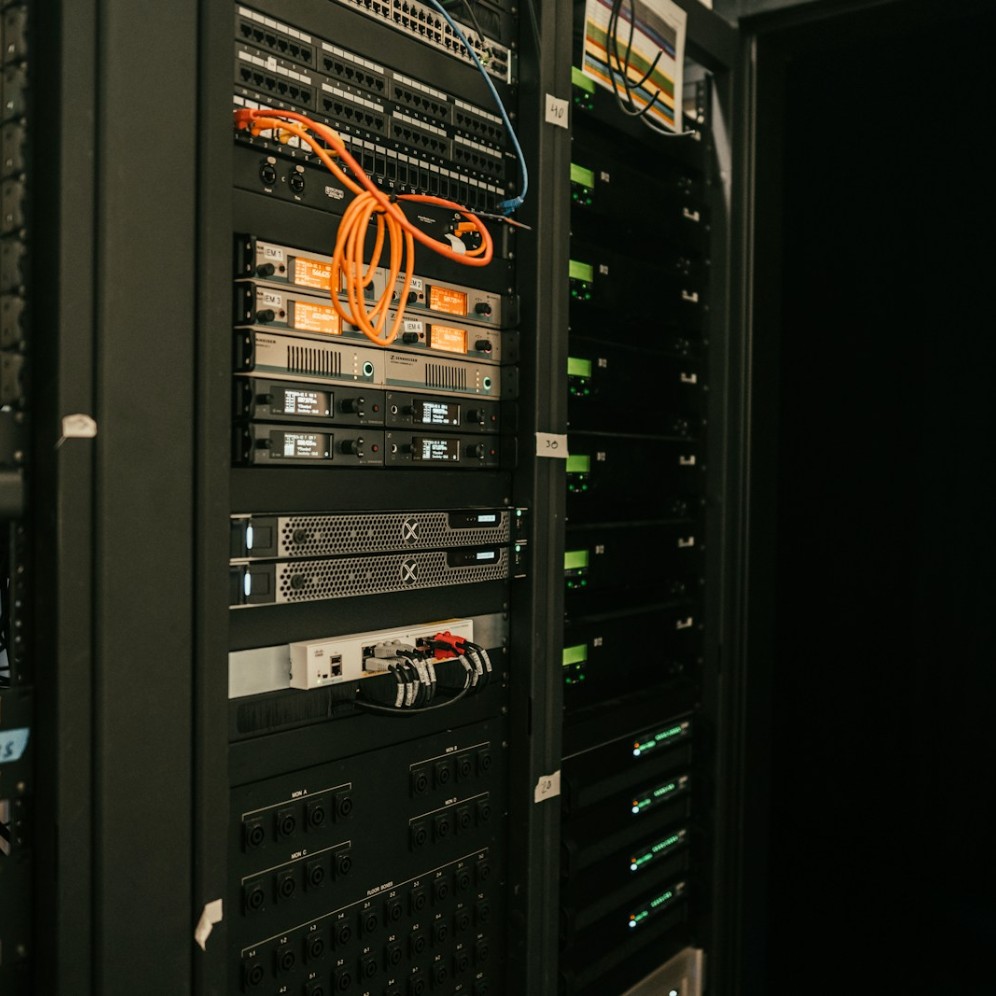
How We Handle a FreePBX Project
The same four stages whether it is a new install, a migration or a security review.
1. Assess
We review the existing FreePBX or Asterisk environment, your SIP provider, the handsets in use and anything already integrated.
2. Plan
We agree the configuration, the migration order, the security controls and the rollback trigger before a single change is made.
3. Implement
We install, migrate or integrate, running in parallel where possible and scheduling the cutover for a quiet window.
4. Document and support
You get the configuration written down, backups verified by restoring them, and a clear route to support afterwards.
FreePBX Solutions for Different Business Needs
The right build looks different depending on what the phone system has to carry.
Small businesses
A first proper phone system, sized and priced for a small team rather than an enterprise rollout.
Growing companies
Adding extensions, sites and queues without rebuilding the system every time headcount changes.
Call centres
Queues, agents, reporting and trunk capacity planned around real concurrent call volume.
Remote teams
Softphones and remote handsets registered securely, without leaving SIP open to the internet.
Replacing a legacy PBX
Moving off ageing hardware or an unsupported Asterisk build onto a current, supported platform.
Leaving hosted VoIP
Bringing telephony back in house when per seat pricing stops making sense at your headcount.
CRM and telephony integration
Businesses that need the phone system and the customer database to behave as one workflow.
Toll fraud and security concerns
Anyone who has had a suspicious bill, or who wants a review before they get one.
Why Businesses Bring FreePBX Work to Seninweb
No certifications to wave at you. What follows is simply how the work is done.
Technical first implementation
The work is done at the configuration level rather than by clicking through defaults and hoping they hold.
Security considered from the start
Hardening is part of the build, not a separate project after something has already gone wrong.
Documented configuration
You get a written record of trunks, routes, extensions, credential handling and anything custom.
Migration and rollback planning
Parallel running where possible, and an agreed rollback trigger in writing before the cutover.
API and CRM integration capability
We build web systems as well as phone systems, so the integration side is not handed to someone else.
Audits of systems we did not build
A fixed scope review of an existing install, with findings you can act on or pass to your own team.
Frequently Asked Questions
The questions we are asked before most FreePBX projects start. If yours is not here, ask us directly.
What is FreePBX?
FreePBX is a web based configuration interface for Asterisk. Asterisk does the call handling; FreePBX gives you a GUI, a module system and a database driven way to manage extensions, trunks, routes and IVRs without editing dialplan by hand.
What is the difference between FreePBX and Asterisk?
Asterisk is the telephony engine. FreePBX is the management layer on top of it. You can run Asterisk on its own with hand written configuration files, but most businesses want the interface, module system and backup tooling that FreePBX adds.
Can you install FreePBX on a new server?
Yes. We install FreePBX 17 with Asterisk 22 on Debian 12, on your own hardware, a VPS or a virtual machine in your existing environment. Sizing depends on concurrent calls, recording and any transcoding, and we confirm that before the build.
Can you migrate an existing FreePBX system?
Yes. Extensions, trunks, inbound and outbound routes, IVRs, ring groups, time conditions and voicemail are mapped onto the new system and tested before cutover. Backups from very old versions are not always safely restorable, so in those cases we rebuild rather than force a restore.
Can you migrate from chan_sip to PJSIP?
Yes, and it is usually unavoidable. chan_sip was removed in Asterisk 21, so anything still running on it cannot move to a current release without conversion. Extensions and trunks are recreated as PJSIP endpoints, with transport, NAT and codec settings checked per device.
Can you integrate FreePBX with a CRM?
Yes. Typical work includes caller identification from your customer records, click to call from a customer record, automatic call logging against the right account, and a screen pop for whoever answers. What is possible depends on what your CRM exposes through its API.
Can FreePBX connect to a SIP trunk?
Yes, to any standards based SIP provider. We configure the trunk, registration or IP authentication, inbound and outbound routes, codecs, DID mapping and failover, and restrict the trunk to the carrier IP ranges.
How do you secure FreePBX against toll fraud?
In layers, because no single control is enough. fail2ban tuned to real authentication failures, firewall zones and the Responsive Firewall configured properly, trunks locked to carrier IPs, anonymous SIP disabled, TLS and SRTP where handsets allow it, then concurrency limits, country restrictions and a spend cap at the carrier so anything that does get through is capped in cost.
Can you audit an existing FreePBX installation?
Yes. A fixed scope audit covers version and patch status, exposed services, authentication, trunk and route configuration, outbound dialling restrictions and whether the backups actually restore. You get a written findings report with the fixes ranked by risk.
Can you integrate FreePBX with a custom API?
Yes. Asterisk exposes AMI, ARI and AGI, and FreePBX adds its own REST layer, so call events can be pushed to your application and your application can originate or control calls. Where the other system has no usable API, we build a small service in front of it.
Can you support an existing FreePBX installation that someone else configured?
Yes, and it is a common request. We start with an audit so we know what we are taking on, document what is actually there, then agree what ongoing support covers and how quickly we respond.
How disruptive is a FreePBX migration?
Less than people expect when it is planned. The new system is built and tested while the old one keeps running, handsets are provisioned in advance, and the number port or trunk switch happens in a quiet window with a rollback trigger agreed beforehand.
Need Help With FreePBX?
Whether you are starting a new VoIP system, migrating an existing PBX, fixing security issues or connecting FreePBX to your business software, we can help you plan the right approach.